

Demo Mode
The demo mode lets you try Immersive Home, or show it to others, without a Home Assistant server. It fills the app with a made-up home: a furnished apartment with lights, sensors, a thermostat, blinds, a speaker and more, and two people who travel around the city.
Turning it on
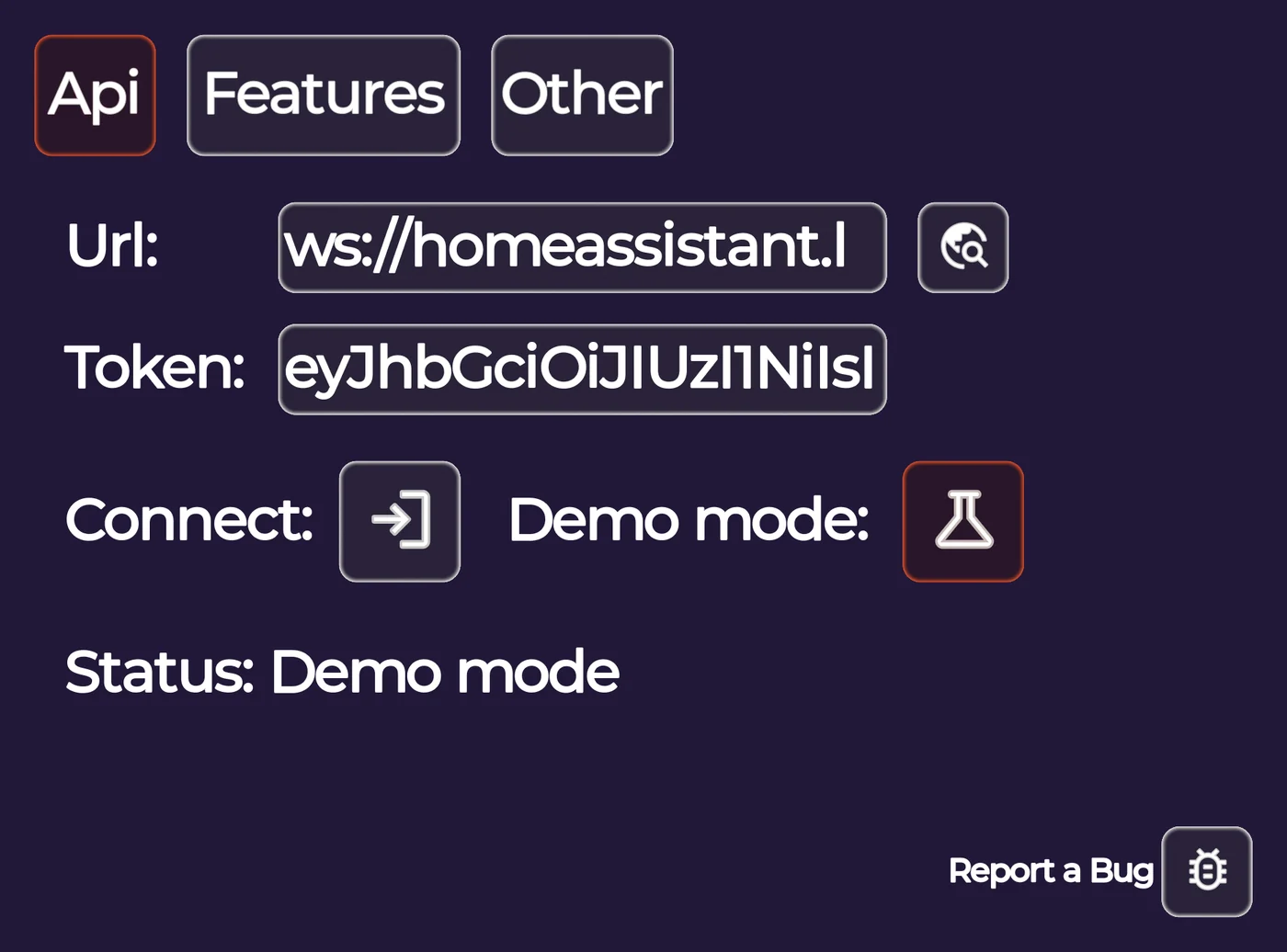
- Open the menu and the settings panel (the gear button at the bottom of the side bar).
- In the Api tab, press the Demo mode button.
A small apartment with a living room, kitchen, bedroom and bathroom is built around you, with the devices already placed on its walls. You stand in the middle of the living room.
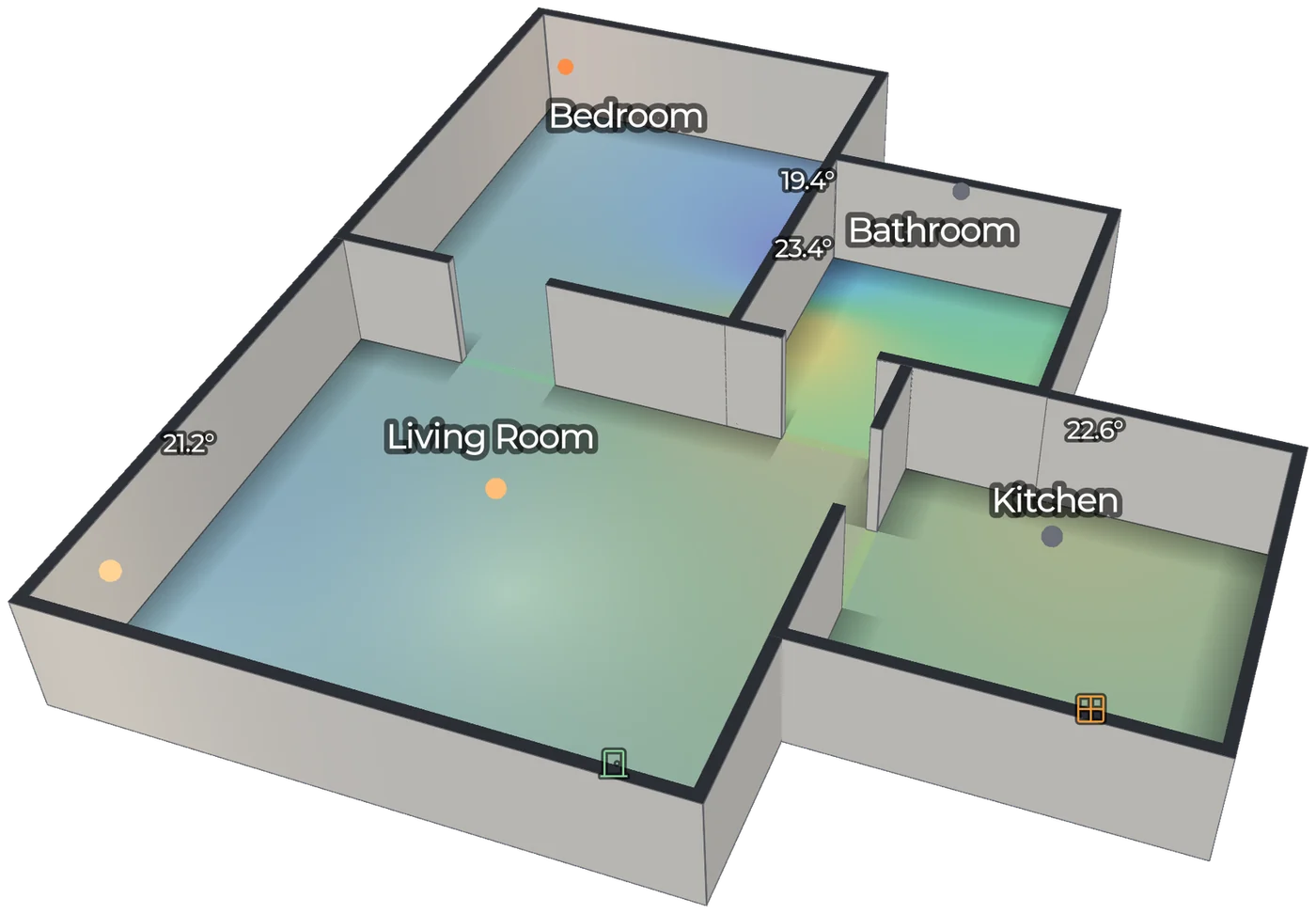
Everything works like with a real home: switch lights, move the blinds, start the oven timer, place more devices from the Widgets panel, or open the Map View to see the apartment as a dollhouse, the temperature and humidity maps, and where everyone is.
The demo stays on when you restart the app, so it's ready for a showcase. Pressing the button again builds a fresh apartment around wherever you stand.
What's simulated
- Devices react like real ones: lights turn on, covers move step by step, locks and alarms take a moment to switch.
- Temperatures and humidity drift a little, and now and then someone showers and the bathroom gets humid.
- Two people, Alex and Sam, leave home, visit places in the city and come back. Their paths show on the Map View and the person widget.
All names, places and devices are made up. The map shows a place in Berlin and needs an internet connection the first time.
Turning it off
Press the Demo mode button again, or press Connect. The app connects to Home Assistant with the URL and token in the settings.
The demo keeps its own rooms and devices. Your real rooms, placed devices and settings are not changed while the demo runs.